Free LinkedIn Banners & Post Images
Studying for a certification (or already hold one)? Download a free banner for your LinkedIn profile, or a post image to announce that you passed — it's a nice way to mark the milestone, and it credits GetMedGuide.com so other coders studying the same exam can find these resources too.
How to use: download the image, then on LinkedIn go to your profile → click the camera/pencil icon on your cover photo → upload. LinkedIn banners are 1584×396px — your profile photo sits in the bottom-left corner, so if it feels crowded you can reposition or crop after uploading, right in LinkedIn's own editor.
Note: these are original graphics made by GetMedGuide.com to celebrate your study progress — they are not official materials and aren't issued or endorsed by AAPC, AHIMA, or NHA.
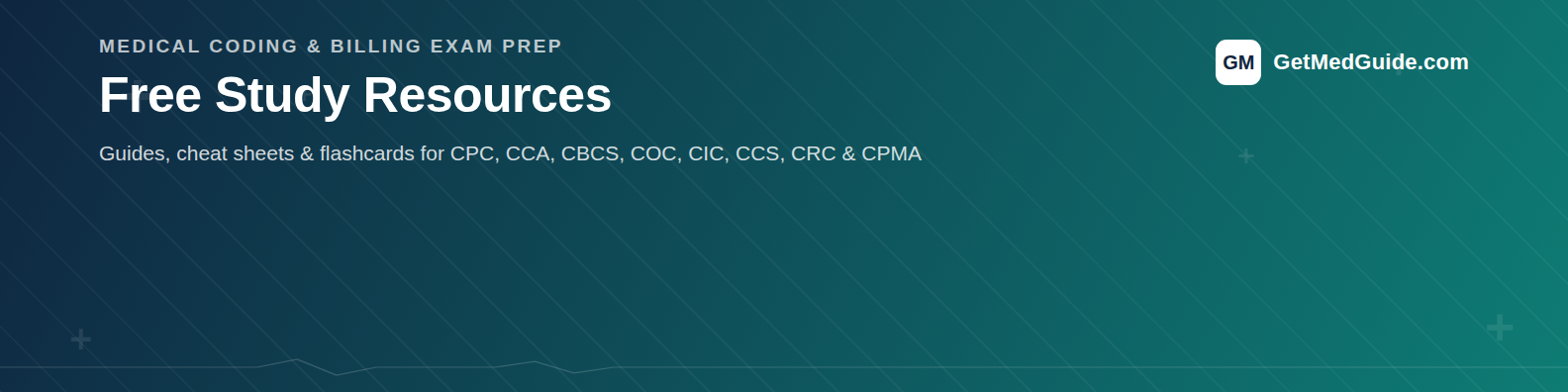
General GetMedGuide banner
Not tied to one exam — just a clean "studying medical coding" banner.
Certification banners
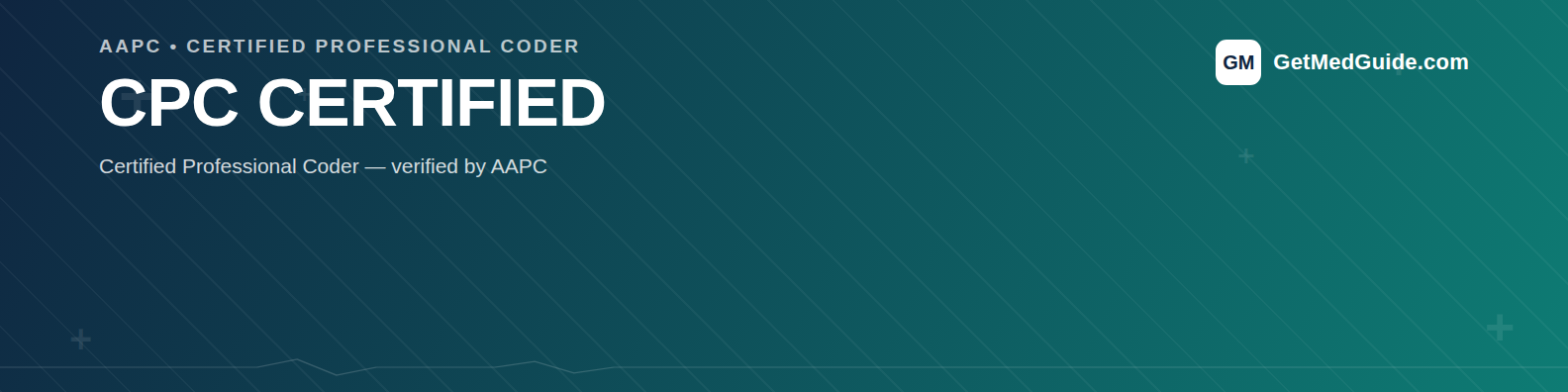
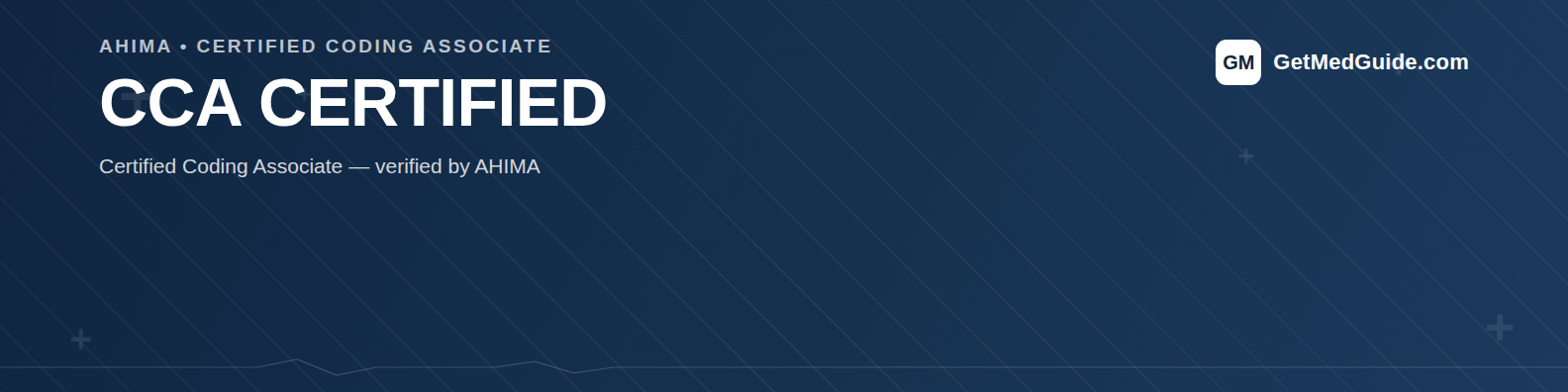
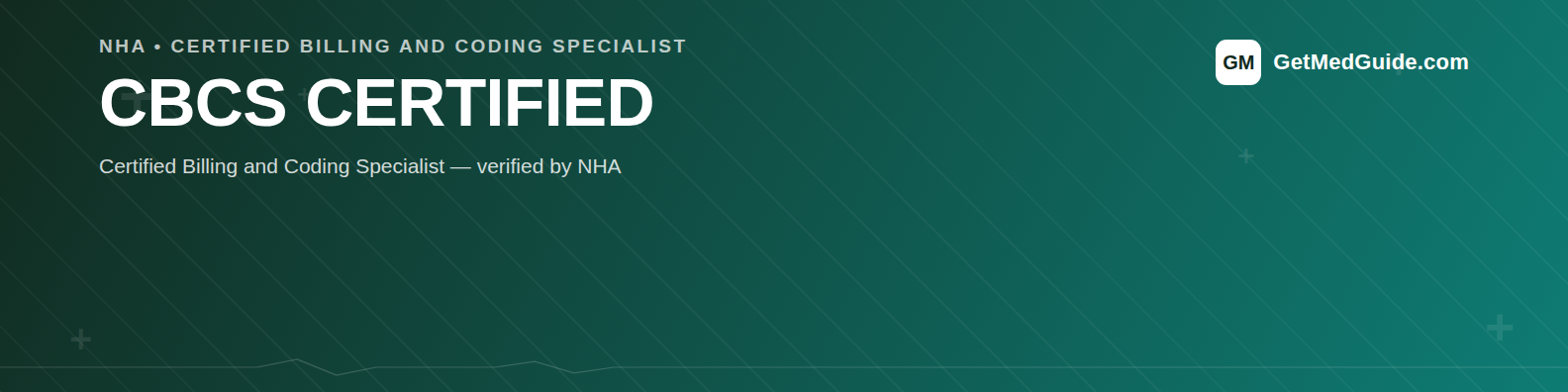
Each certification has two versions — Certified (you've passed it) and Candidate (you're studying for it). Pick the one that matches where you are right now.
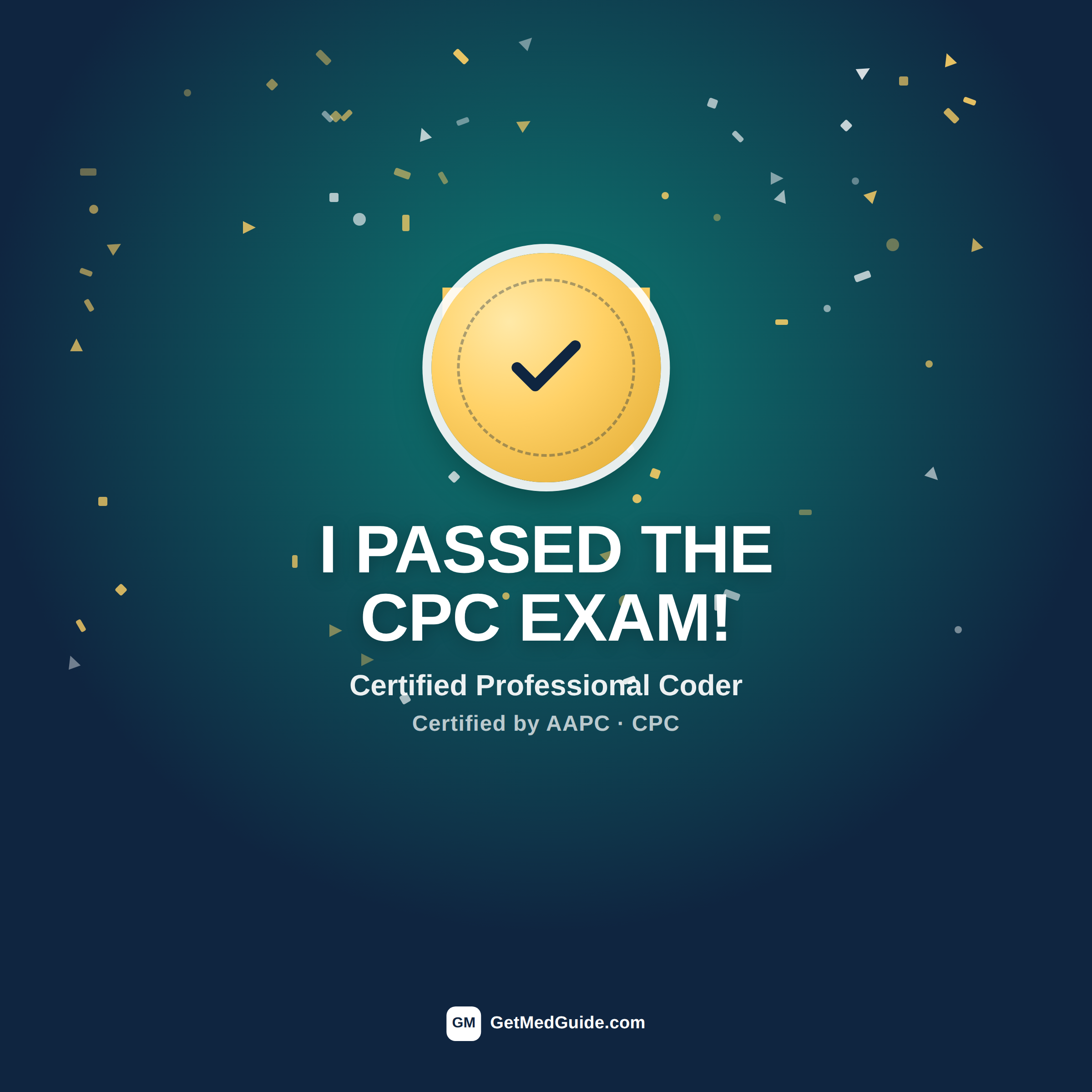
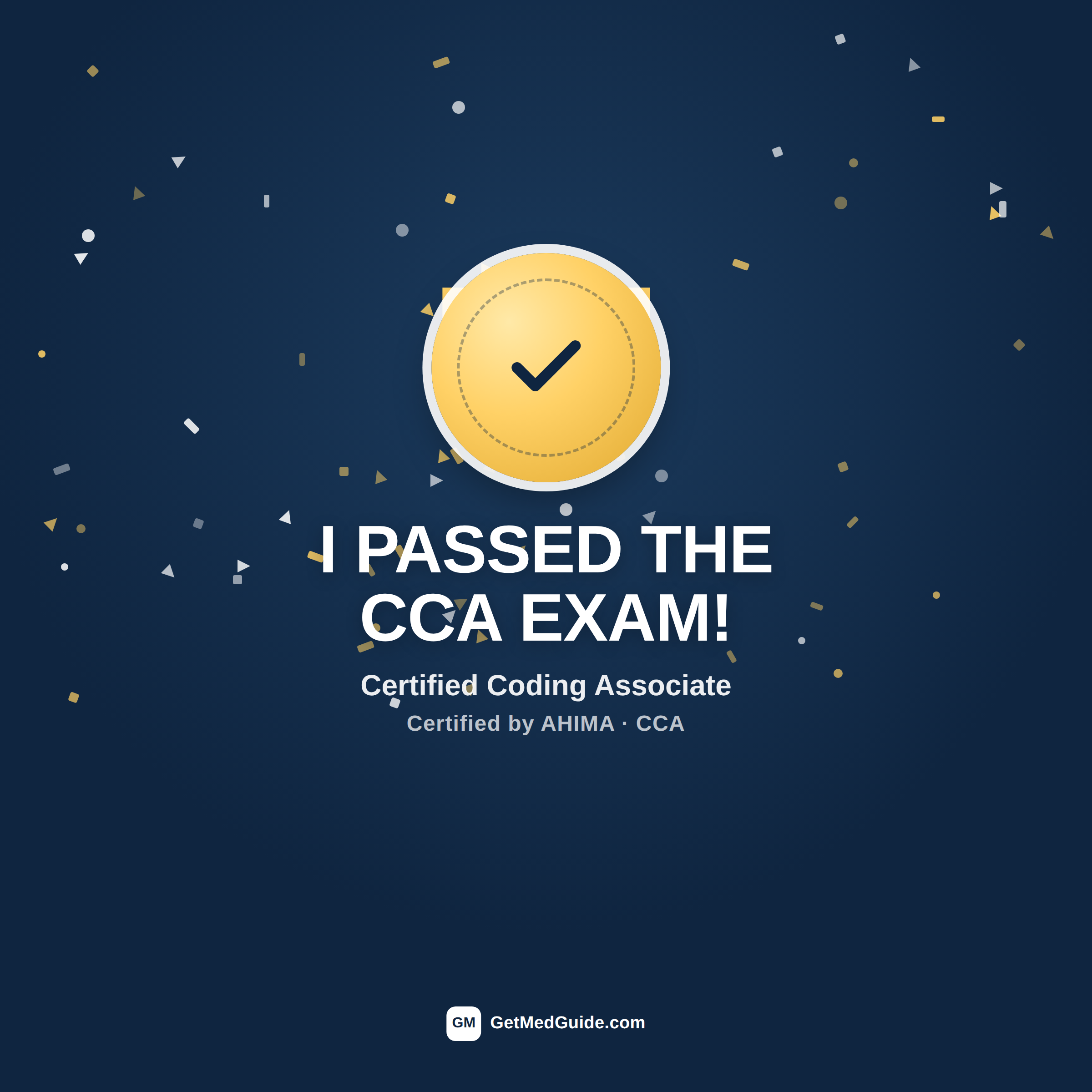
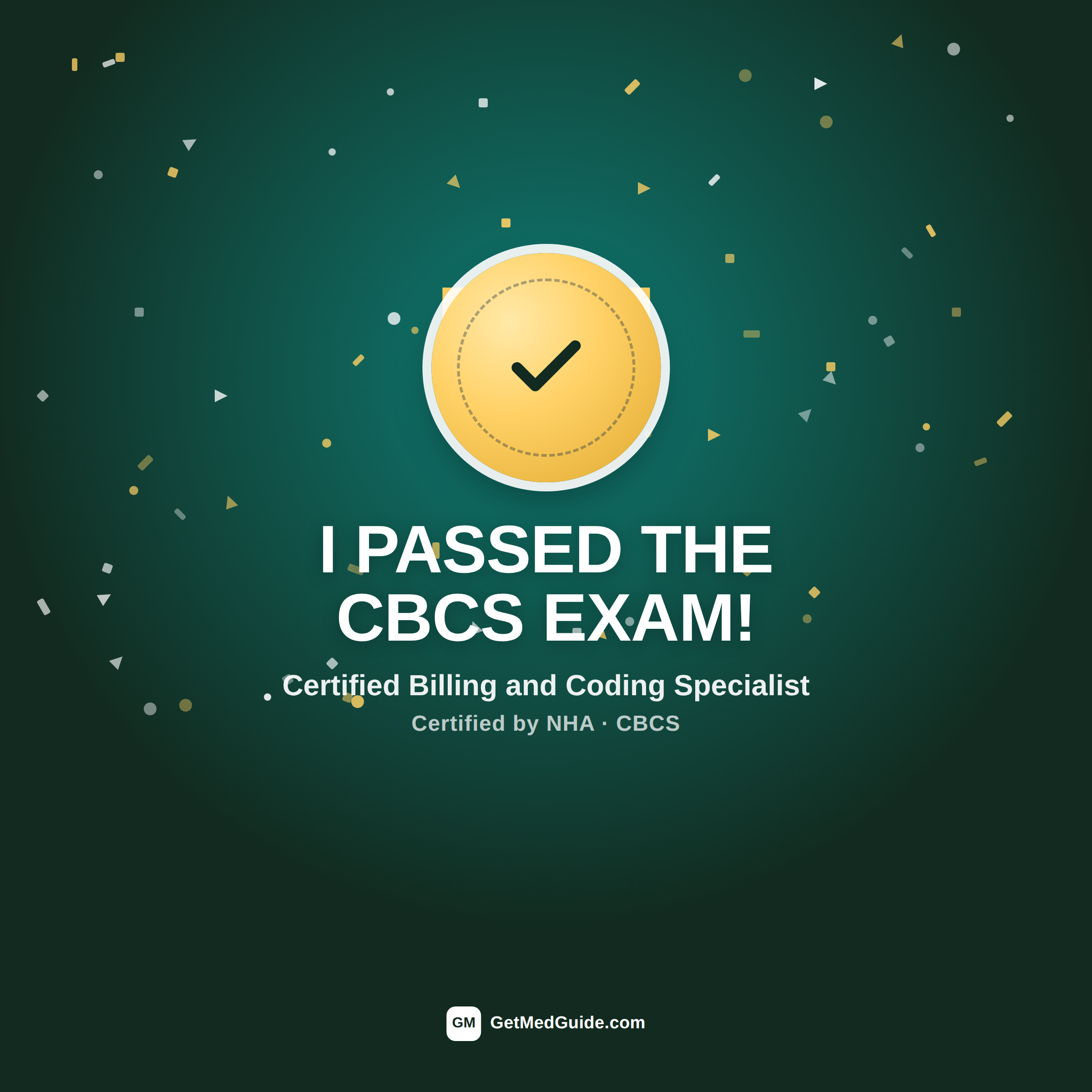
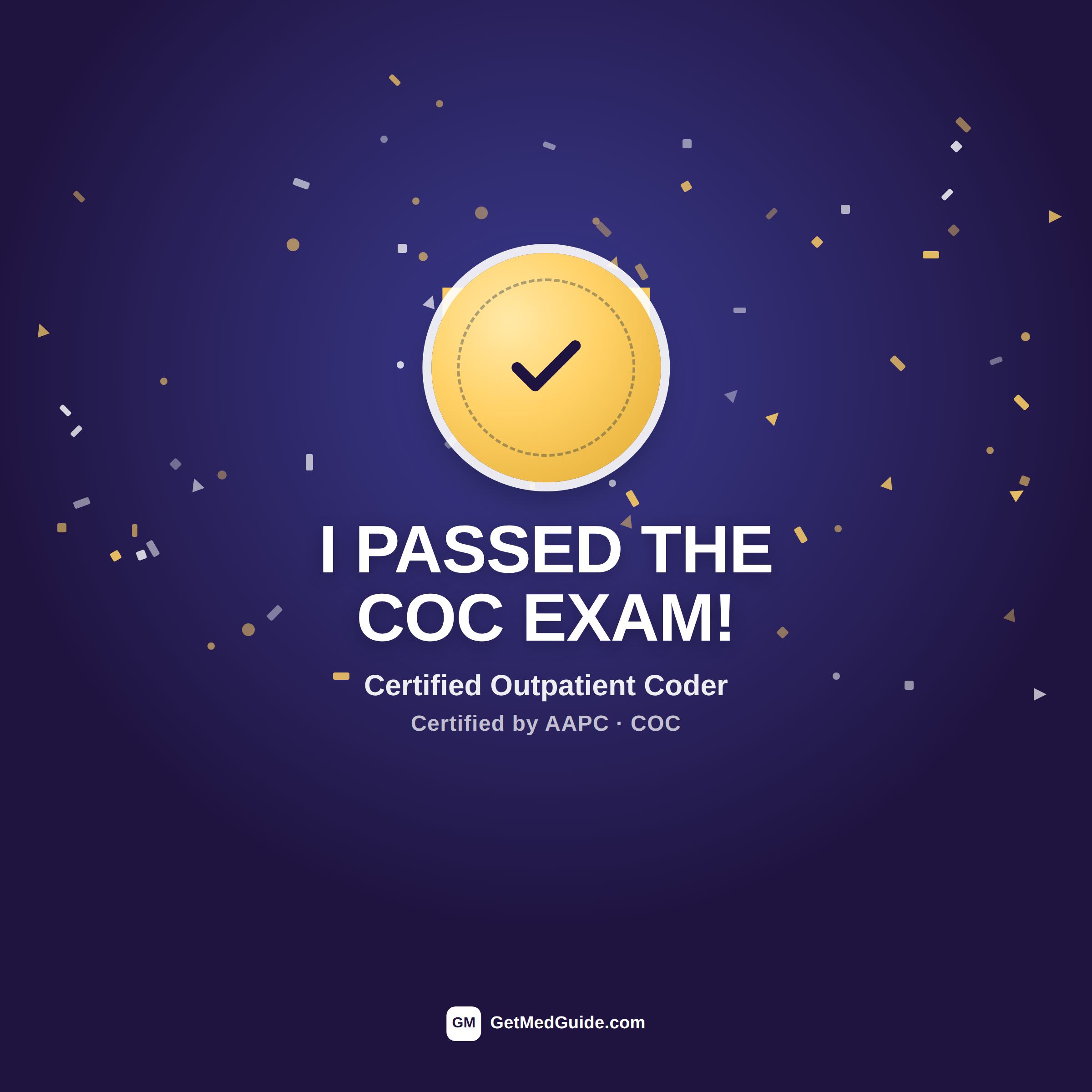
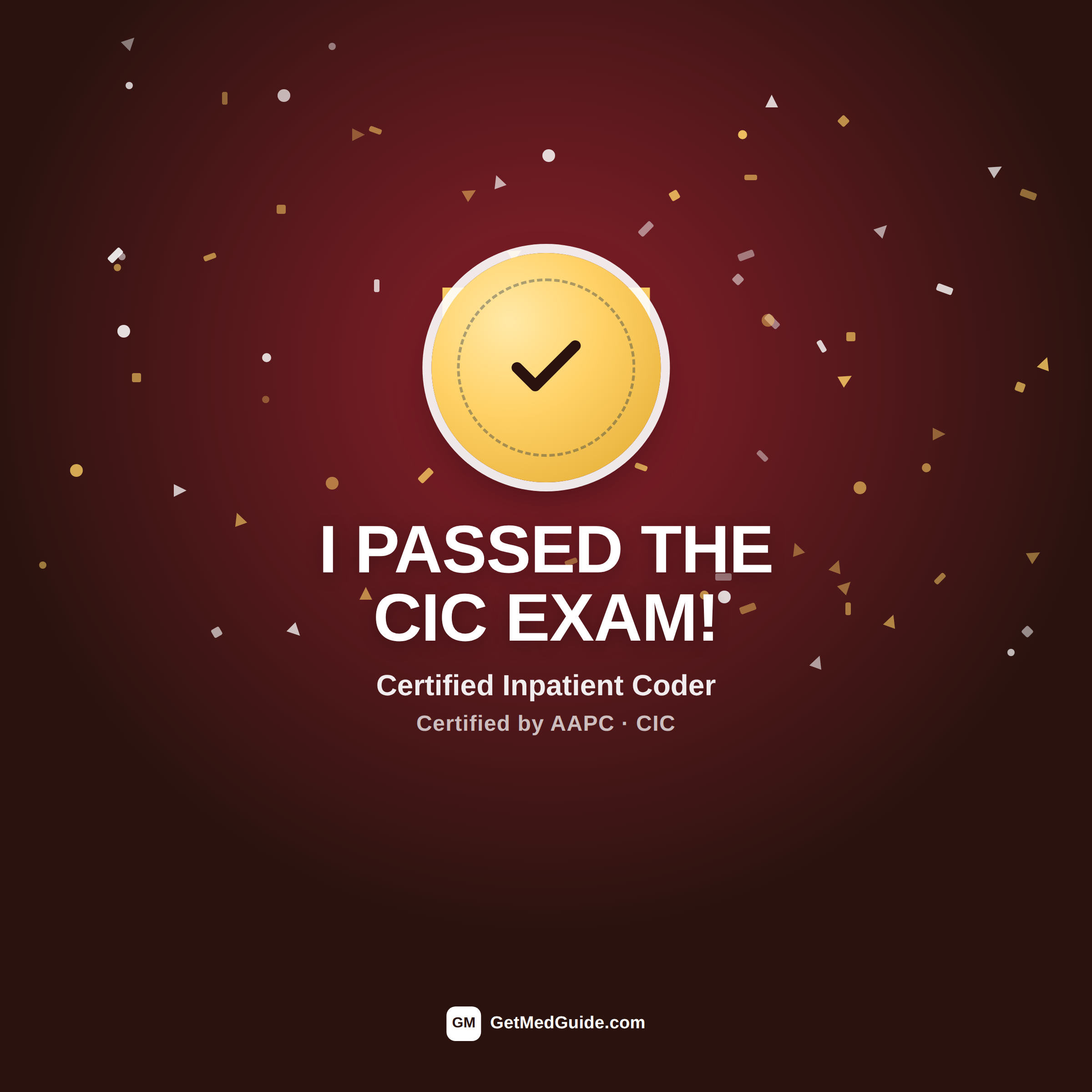
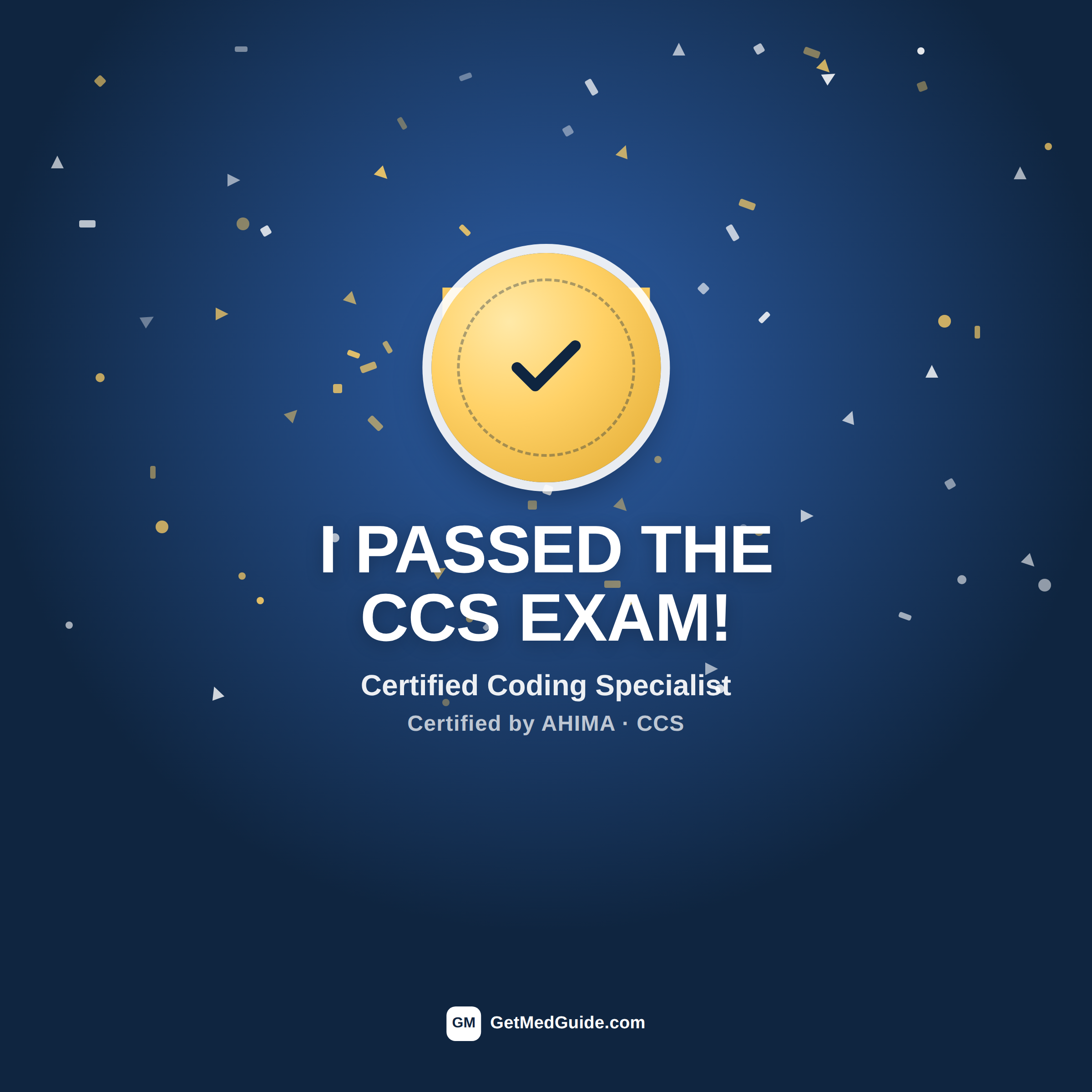
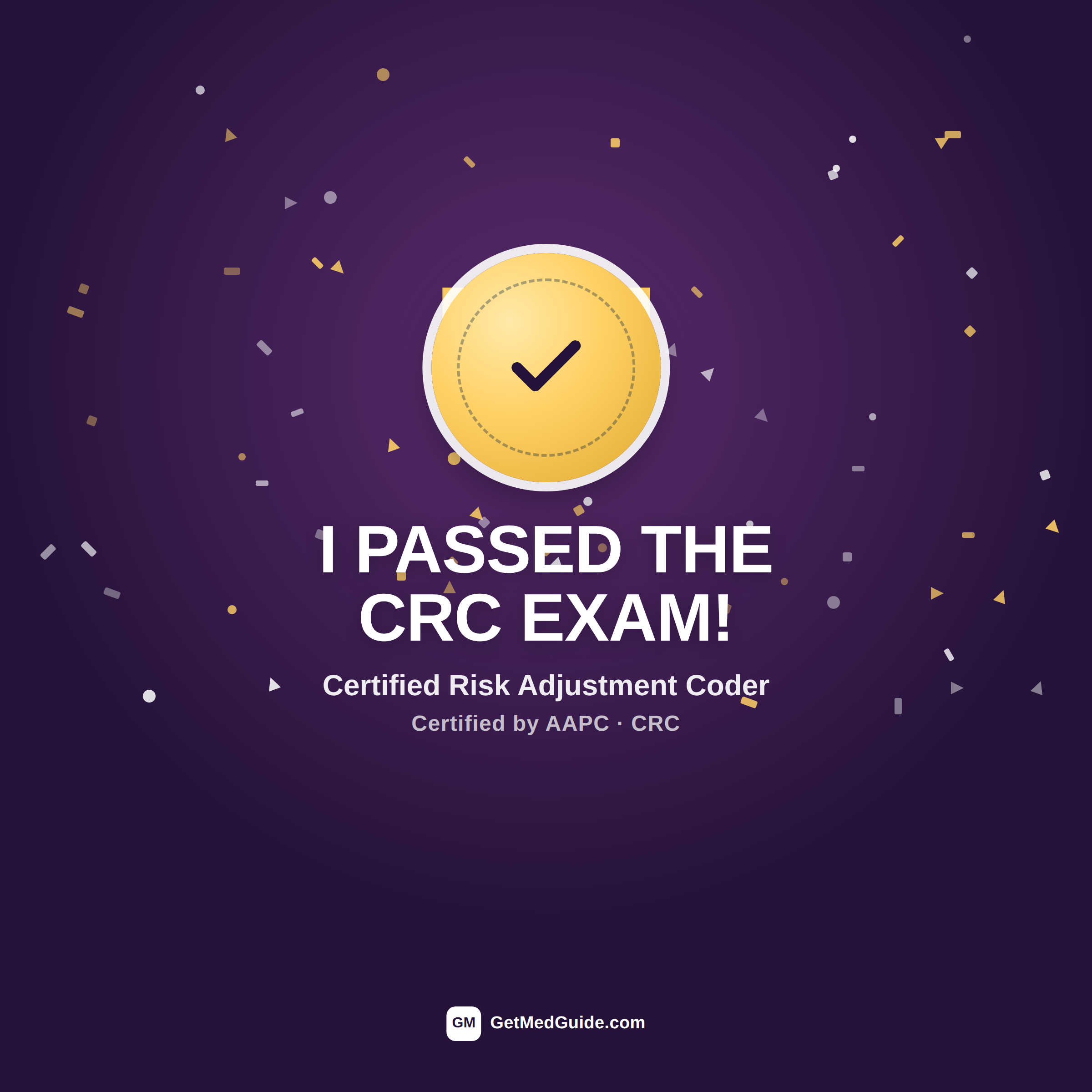
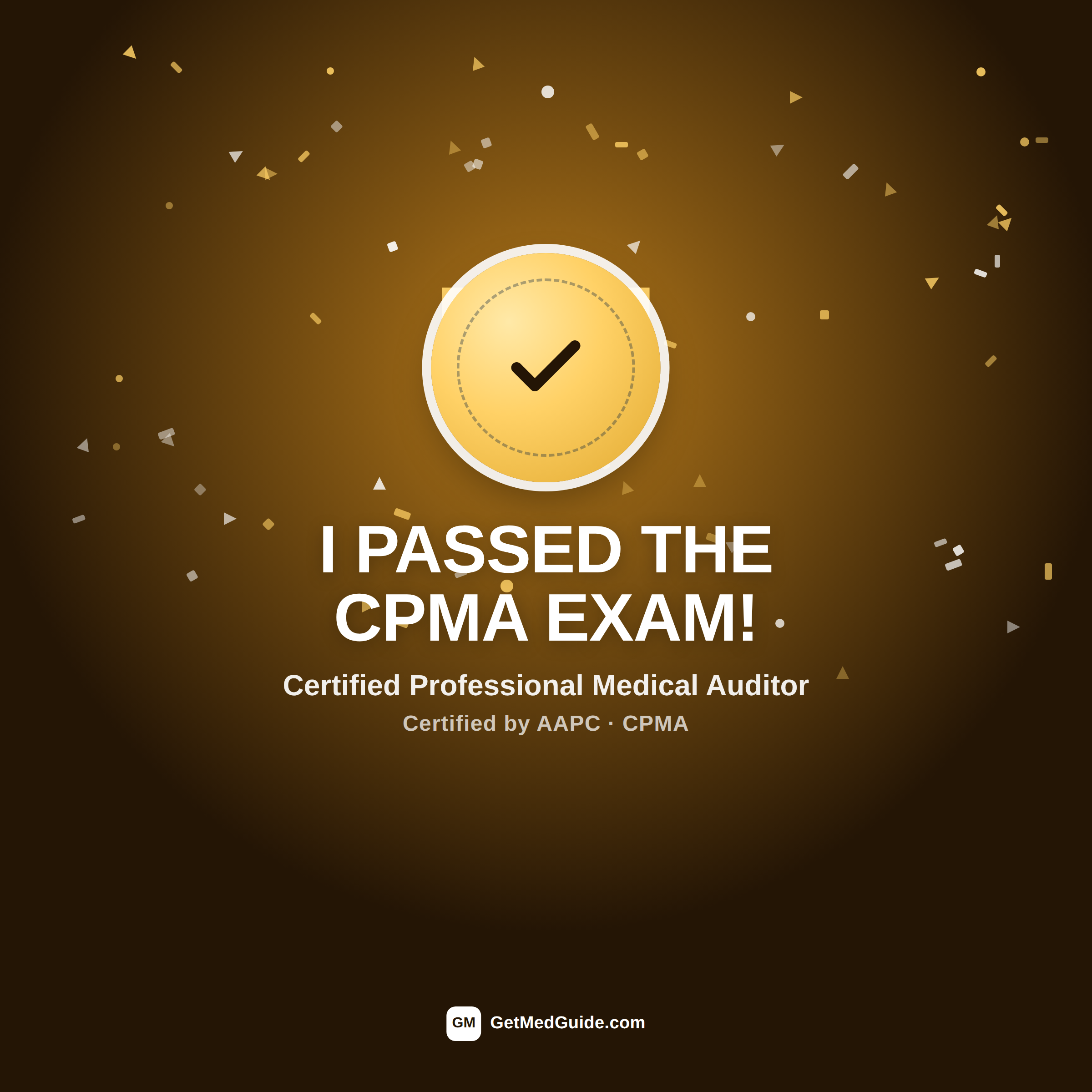
Celebrate passing — LinkedIn post images
Just passed your exam? Post it. These are square (1200×1200) images sized for the LinkedIn feed, not your cover photo — download one and attach it to a post announcing the win.